

From a brand brief to a published week
Six steps, in the order they happen. You describe the brand once; after that your part is a yes or a no on what the system proposes.
Scroll to play the steps-
Step 01/ 06
Tell it about the brand
Who the brand is, what it sells and how it talks to customers. Products come in by photo or a link to your shop, and you check each card before it is saved.
You · once per brand -
Step 02/ 06
Approve the idea and the storyboard
SocialOS proposes what to shoot and lays it out frame by frame. If it is not right, ask for another take. Nothing is rendered until you say yes.
The system proposes · you choose -
Step 03/ 06
Frames, voice and captions are made
After your yes, the frames are rendered and the voice and captions are laid over them. You get a vertical file, ready to post without an editor.
SocialOS -
Step 04/ 06
A caption for each network, facts checked
Each network gets its own caption in the brand's voice. Before it reaches you, it is checked against the brand's facts for invented numbers, results and promises.
SocialOS · you approve -
Step 05/ 06
Published on schedule
Pages connect once, and you sign in on the platform's own page. Approved posts go out on schedule to Instagram, Facebook and LinkedIn. TikTok comes after TikTok's review.
SocialOS · on your schedule -
Step 06/ 06
Replies drafted, the week summed up
Simple questions under your posts get a reply drafted from the brand kit, and you send it. The week ends with conclusions, and the next plan starts from them.
SocialOS drafts · you send
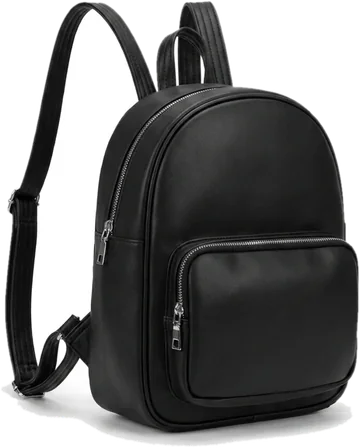



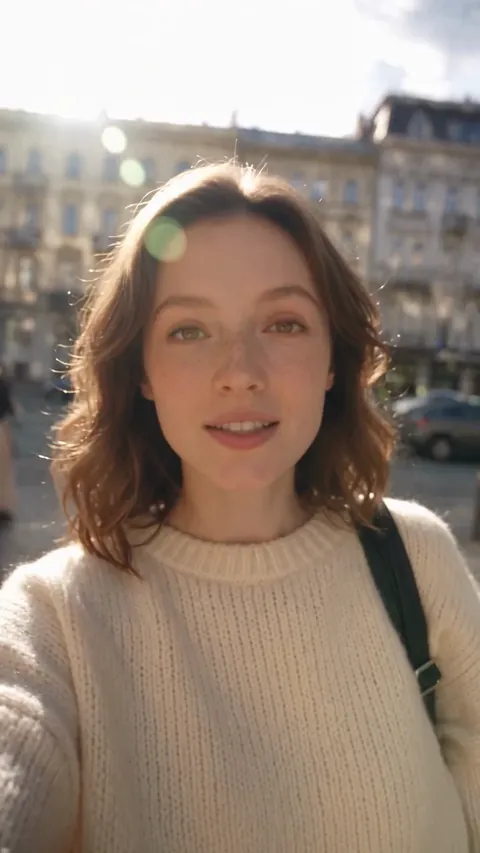
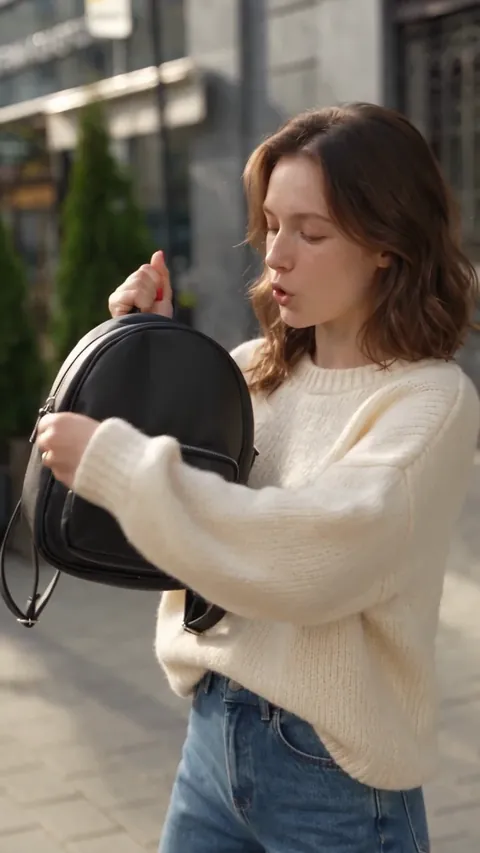

An ordinary day, once it is set up
An example of one day with approval on, so you can see where you come in.
- Morning The week's plan is updated and the next posts are prepared
- Before noon A new ad storyboard waits for you to approve or send back
- Midday Finished posts with video and copy join the approval queue
- Through the day New comments collect in the inbox, with replies drafted for simple questions
- On schedule Approved posts go out
- Your part Approve, edit a line of copy if you want, answer what needs a person

What we still need from you
What the system will not do on your behalf.
- Admin access to the pages You must be an admin of the Facebook page or the Instagram business account. Without that, the platform will not allow publishing.
- Decisions about the brand What you sell and to whom is your call. SocialOS plans the content, not the positioning.
- A look before publishing Content is made by third-party AI models. Rights to what you publish stay with you, and so does the choice to show a visible AI label on a post.
- A few minutes a day While approval is on. You can switch to autopilot per brand; we suggest waiting until you have seen a few weeks of posts.

Start with one brand and see for yourself
SocialOS opens soon. Leave your email and we'll write to you first, the day we launch.